One click from any Salesforce tab
Click the Studio icon on a Lightning, Setup or Classic page and it opens connected to that org, production or sandbox. No Consumer Key, no OAuth app.
 VeyraSTUDIO
Your org’s code, open in seconds.
Edit Lightning web components, Aura, Apex and Visualforce right in your browser. One click from any Salesforce tab, and Ctrl+S saves straight to your org.
v0.6.1 · Free · Open source · Chrome and Edge
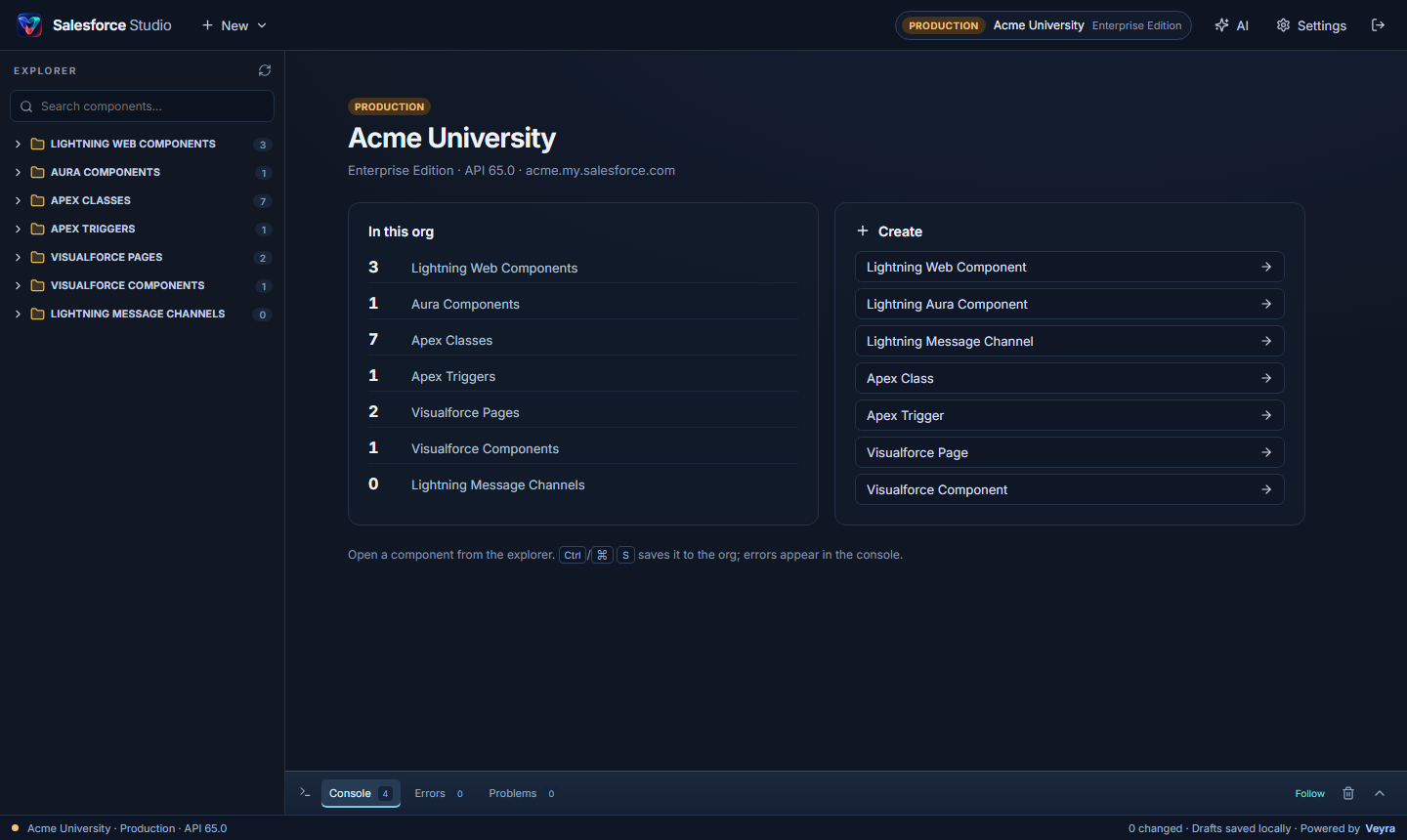
Click the Studio icon on a Lightning, Setup or Classic page and it opens connected to that org, production or sandbox. No Consumer Key, no OAuth app.
Parallel Tooling API queries load every component at once, instead of one slow, queued retrieval of the whole org.
Lightning Web Components, Aura, Apex classes and triggers, Visualforce pages and components, and message channels, in Lightning Studio’s order.
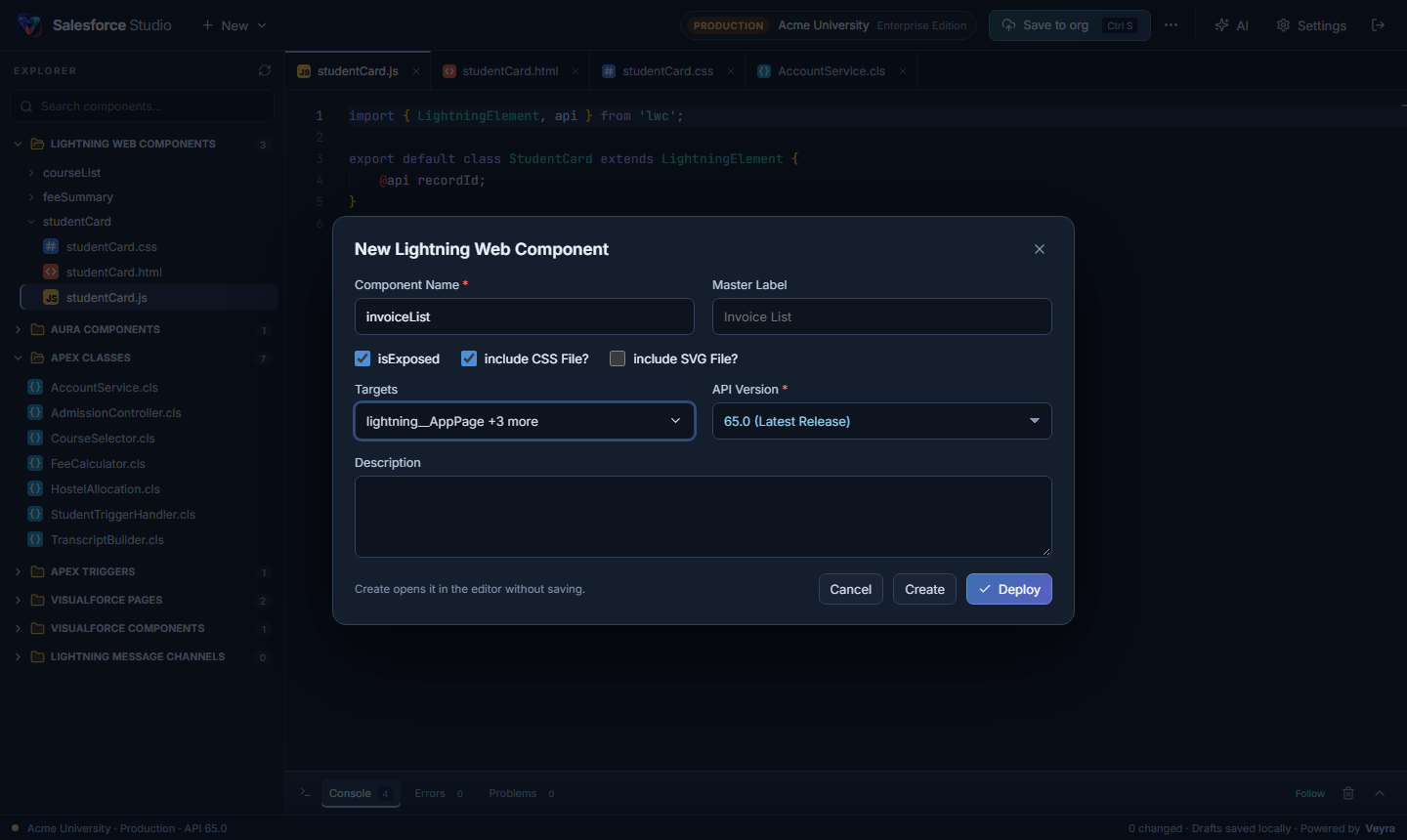
New LWC with master label, isExposed, CSS and SVG files and searchable targets. Triggers with their object and events. Deploy in one step.
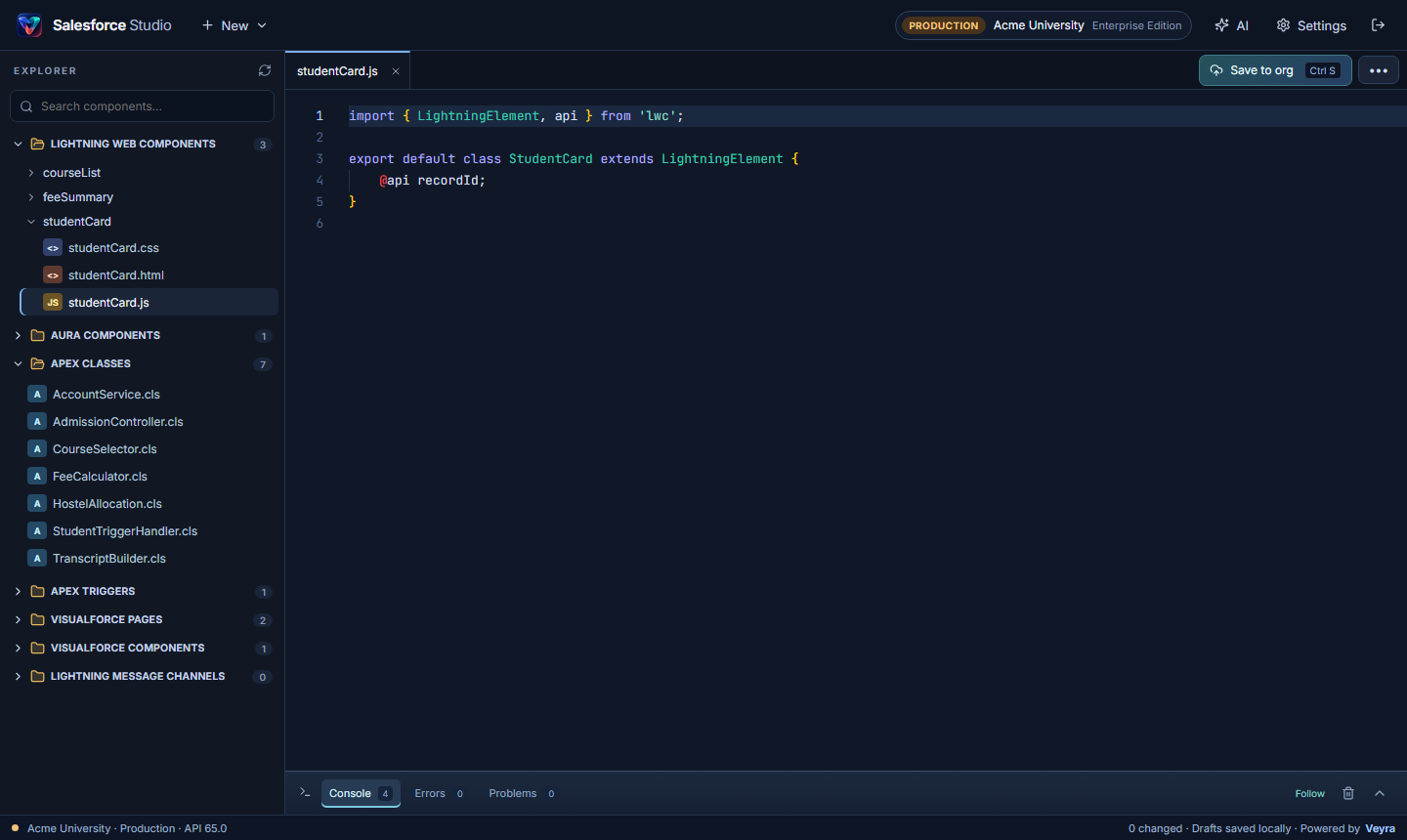
The Monaco editor with LWC typings, Salesforce snippets, Apex keywords, formatting, tabs and drafts that survive a closed tab.
Saves straight to the org, like Lightning Studio: no validation step, no waiting. LWC, Aura and Visualforce save in place in a second; errors show in the console.
Pick a type from New and fill in a short form. Studio writes the files and their metadata for you, then deploys in one step.
chrome://extensions or edge://extensions and turn on Developer mode.Every release is on GitHub. To update, load the new folder and click Reload on the extension.
Yes. It is free and open source, with no account and no telemetry. It works in Chrome and Edge.
Like Lightning Studio and Salesforce Inspector, it uses the Salesforce sign-in already in your browser. It reads that org’s session cookie and calls the API only on the org’s own my.salesforce.com address. The session is never stored; signing out of Salesforce disconnects Studio.
The open component is saved straight to your org, like Lightning Studio. LWC, Aura and Visualforce files are saved in place with the Tooling API in about a second. Apex classes and triggers are deployed directly. Any error appears in the console and your edit stays in the editor.
Salesforce requires your local Apex tests for every Apex change in a production org, whichever tool you use. LWC, Aura and Visualforce changes never run tests, and in a sandbox no tests run at all.
Yes. Review changes shows a diff of everything you edited, lets you validate first and choose the Apex test level, and checks whether someone changed the component in the org since you opened it. In production it asks you to type the org name before deploying.
Yes. Under Settings, connect with your own OAuth app (authorization code with PKCE) instead.
More from Veyra: Veyra Live Server, Veyra Port Manager and all extensions.
Salesforce Studio is an independent project and is not affiliated with or endorsed by Salesforce, Inc. Salesforce, Lightning and Visualforce are trademarks of Salesforce, Inc.
Veyra Studio is a fast, free code editor with Live Server, Python debugging and Veyra AI built in.