 Salesforce Studio
 Container StudioNew
 MCP StudioNew
 API ClientNew
 Port Manager
 Live Server
Package names, with versions
Type inside an import or require and pick from your package.json, each with its version and whether it is a dependency or dev dependency.
 VeyraSTUDIO
Every package, one keystroke away.
Autocomplete npm packages in your imports, catch missing ones before they break your build, and keep package.json tidy.
flightcoders.veyra-npm-intellisense · v1.0.1 · Free · MIT · npm, pnpm, yarn and bun
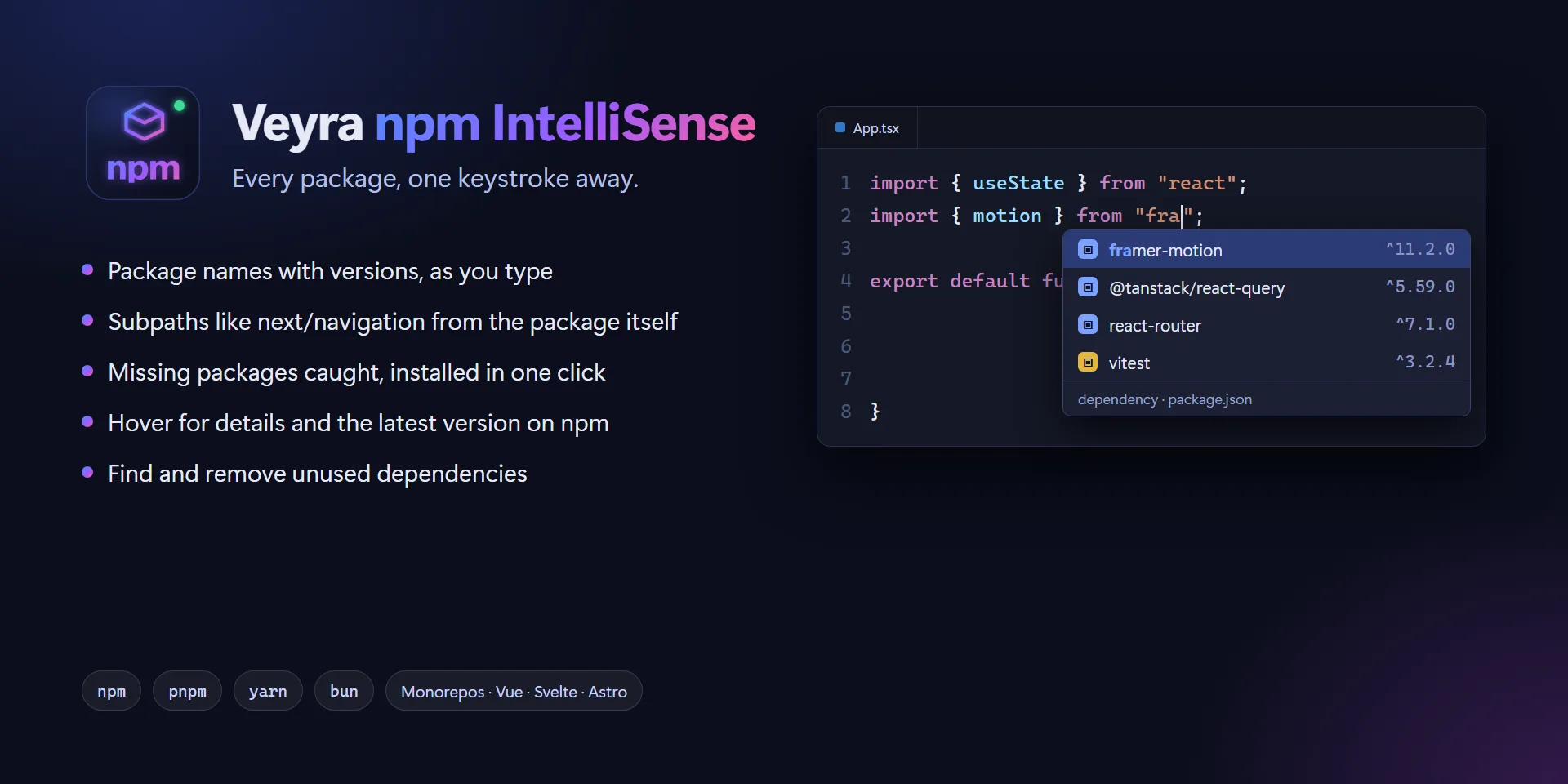
Type inside an import or require and pick from your package.json, each with its version and whether it is a dependency or dev dependency.
next/navigation, @mui/material/Button, date-fns/locale: read from the package’s own exports, so they match the version you have installed.
fs, path, crypto and the rest, with node: added when your file already uses it.
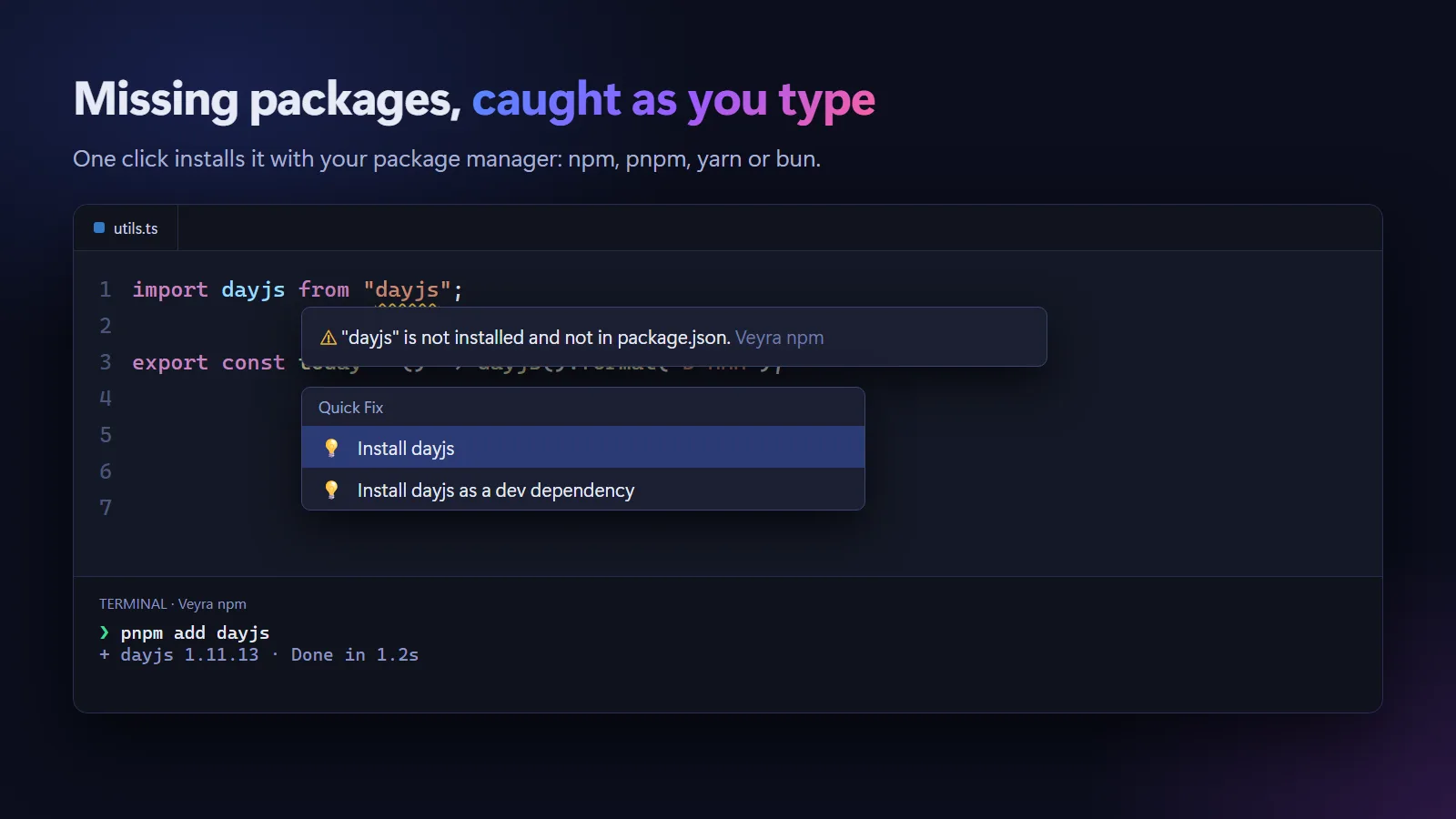
Imports of packages that are not installed, or only work because another package installed them, are flagged as you type.
Quick fixes run the right command for your project: npm install, pnpm add, yarn add or bun add, as a dependency or dev dependency.
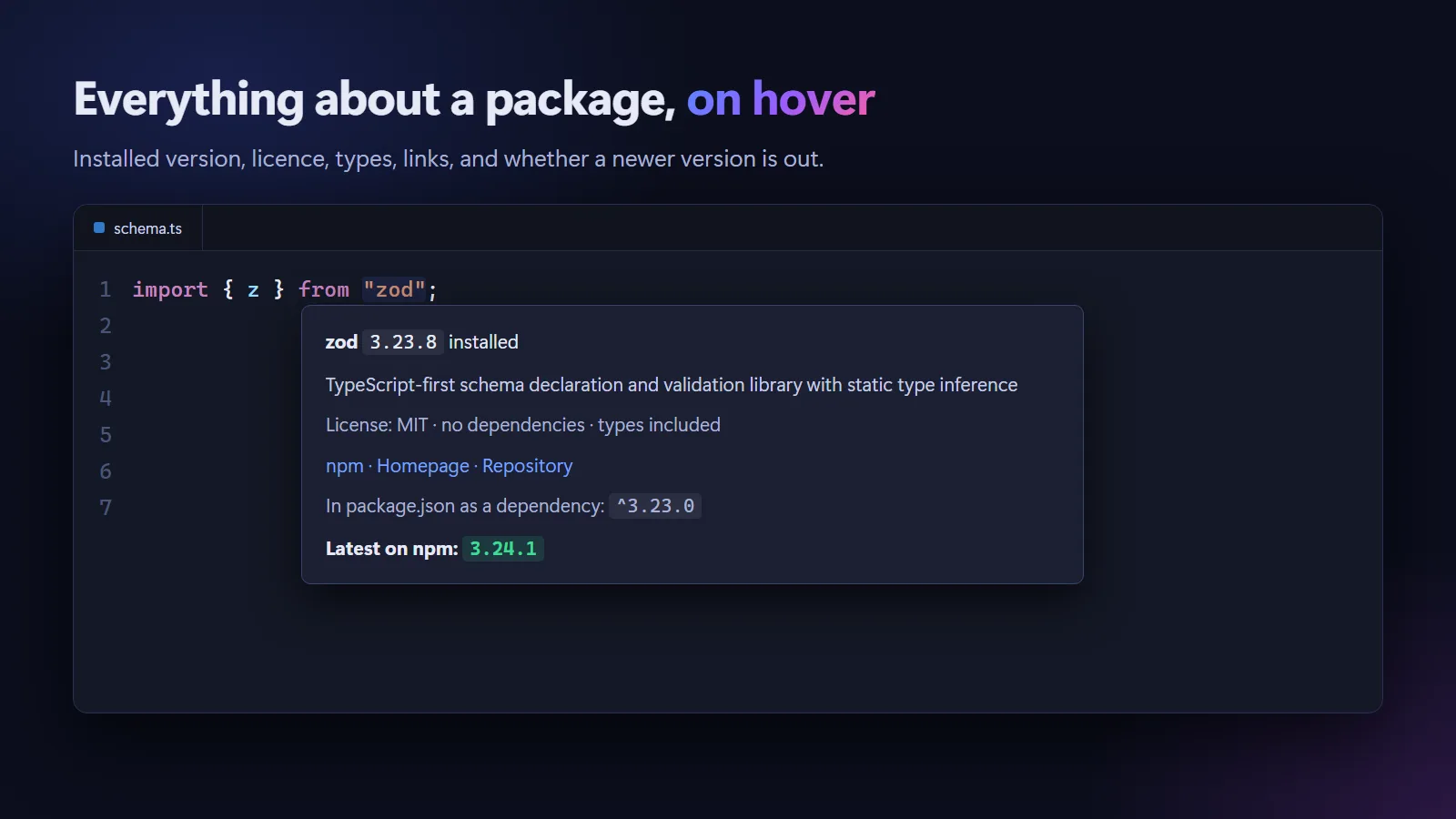
Installed version, the range in package.json, licence, links and the latest version on npm, highlighted when you are behind.
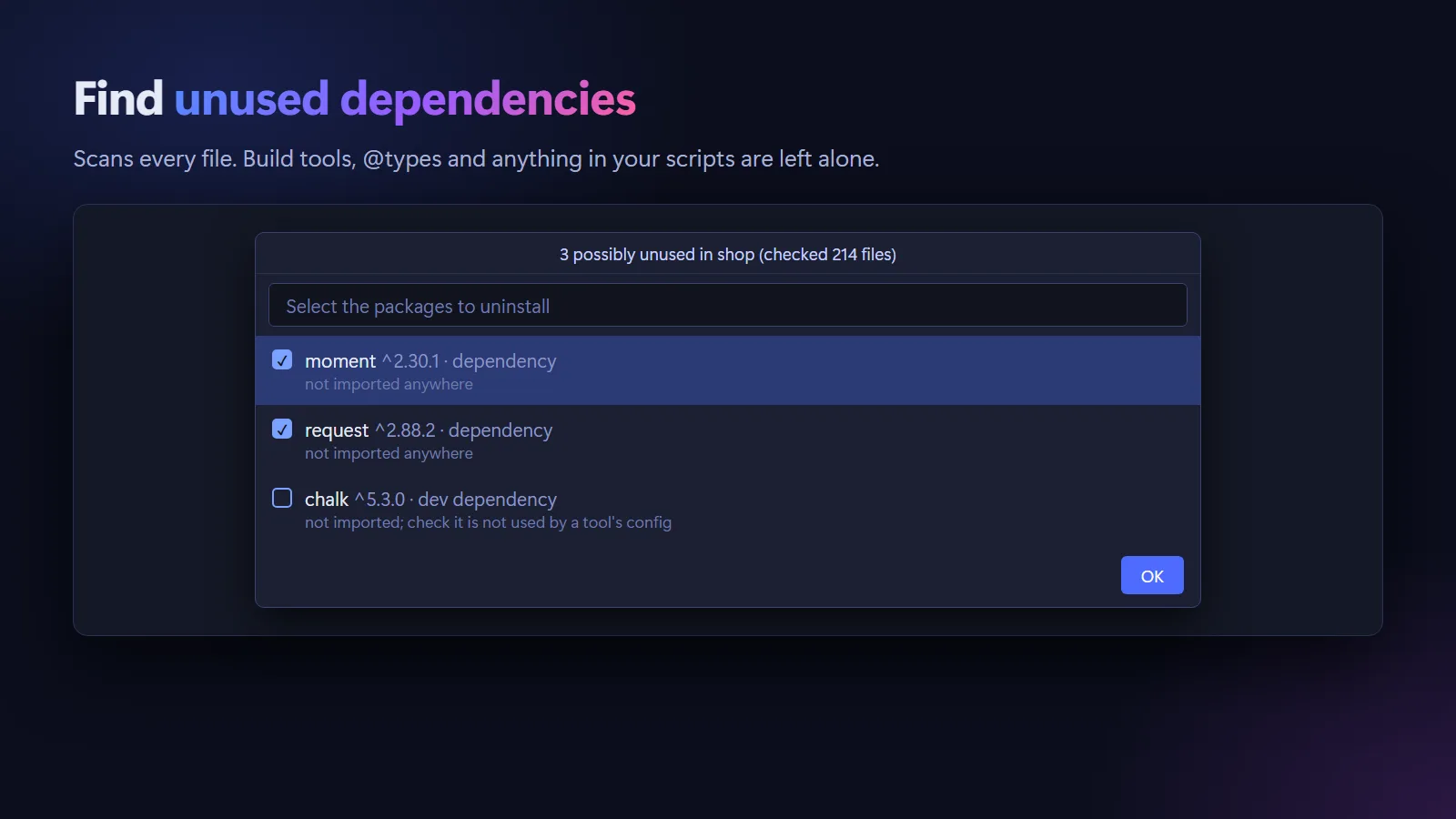
Scans your project and lists what nothing imports, leaving build tools, @types and anything in your scripts alone.
Nearest package.json first, then the workspace root. @/, ~/, #imports and tsconfig paths are never mistaken for packages.
JavaScript, TypeScript, JSX and TSX, plus the script parts of .vue, .svelte and .astro files.
.vsix (80 KB).import x from " in any JavaScript or TypeScript file of a project with a package.json.Coming to the Visual Studio Marketplace soon.
Yes. It is free and MIT licensed, with no account and no telemetry.
It shows versions and dependency types, completes subpaths from each package’s exports, warns about missing and uninstalled packages with one-click installs, shows package details on hover and finds unused dependencies. It also understands monorepos, aliases and Vue, Svelte and Astro files.
Yes. It reads your lockfile or the packageManager field and uses the matching command for quick fixes. Yarn Plug’n’Play projects work too.
Only to show the latest version of a package on hover, sending just the package name to the npm registry. Turn off veyraNpm.latestVersion to stay fully offline.
More for VS Code: Veyra Container Studio for Docker, Veyra MCP Studio, Veyra API Client, Veyra Port Manager and Veyra Live Server.
Veyra Studio is a fast, free code editor with Live Server, Python debugging and Veyra AI built in.