 Salesforce Studio
 Query Lens for MongoDBNew
 EnvNew
 Container StudioNew
 MCP StudioNew
 API ClientNew
 npm IntelliSenseNew
 Port Manager
 Live Server
Paths everywhere
Imports, require(), HTML src and href, CSS url() and @import, Markdown links, and any string that starts like a path.
 VeyraSTUDIO
File paths, completed as you type.
Start a path with ./, ../, / or one of your aliases, and see the folders and files that are really there. Imports are written the way your project needs, and paths that don't exist are flagged with a fix.
flightcoders.veyra-path-intellisense · v1.0.0 · Free · MIT · Windows, macOS, Linux
Imports, require(), HTML src and href, CSS url() and @import, Markdown links, and any string that starts like a path.
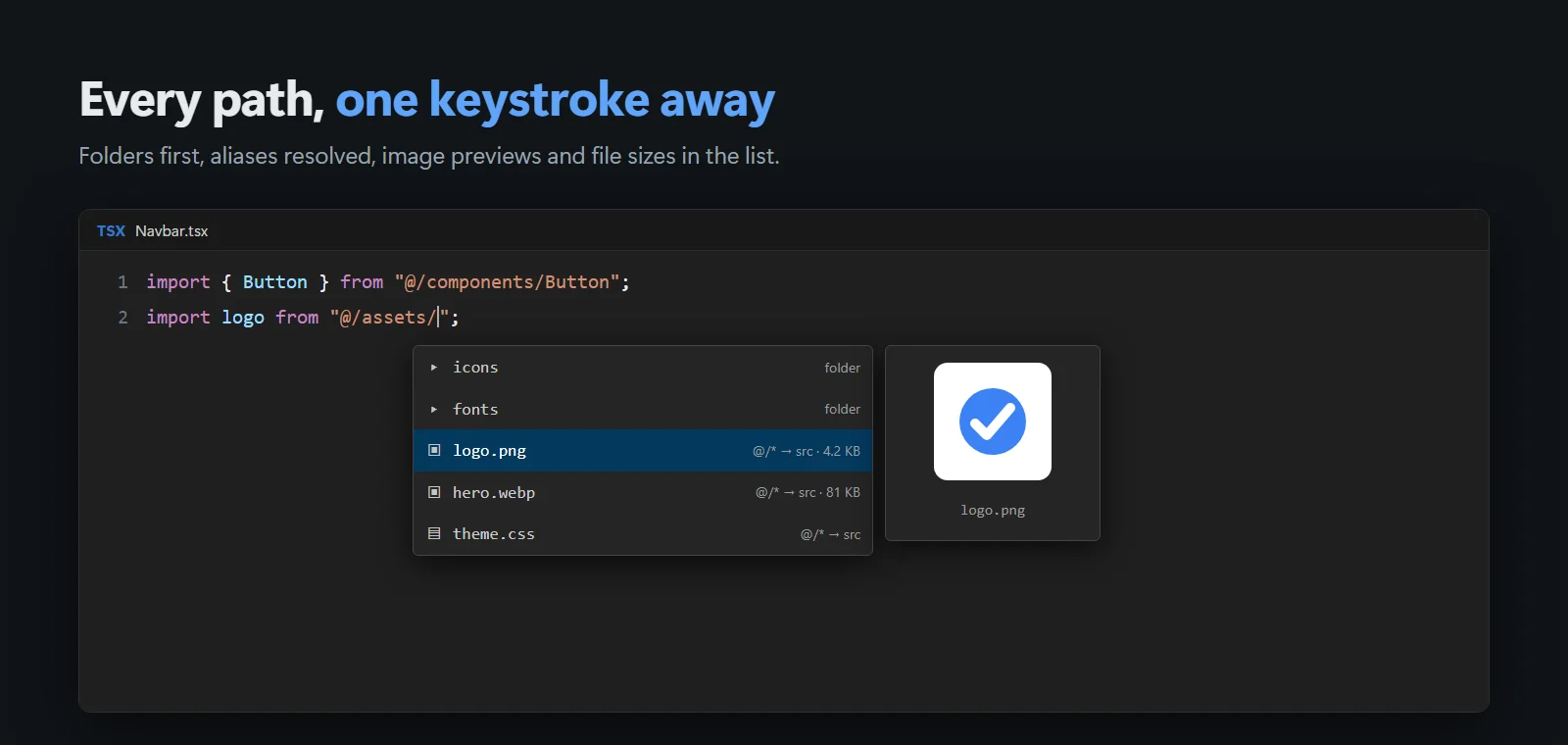
@/components from tsconfig or jsconfig paths (following extends), and #utils from package.json imports, read by themselves.
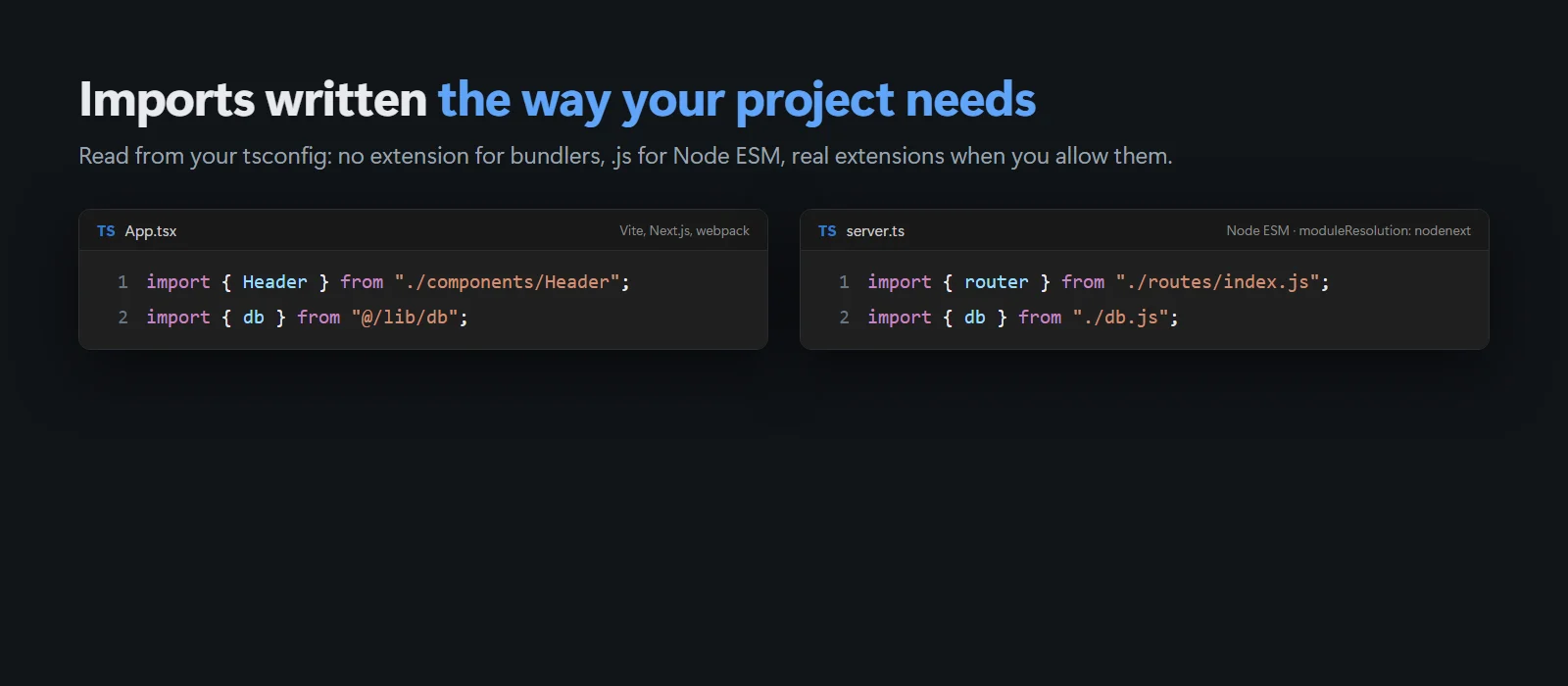
No extension for bundlers, .js for Node ESM, folders instead of /index: imports written the way your project needs.
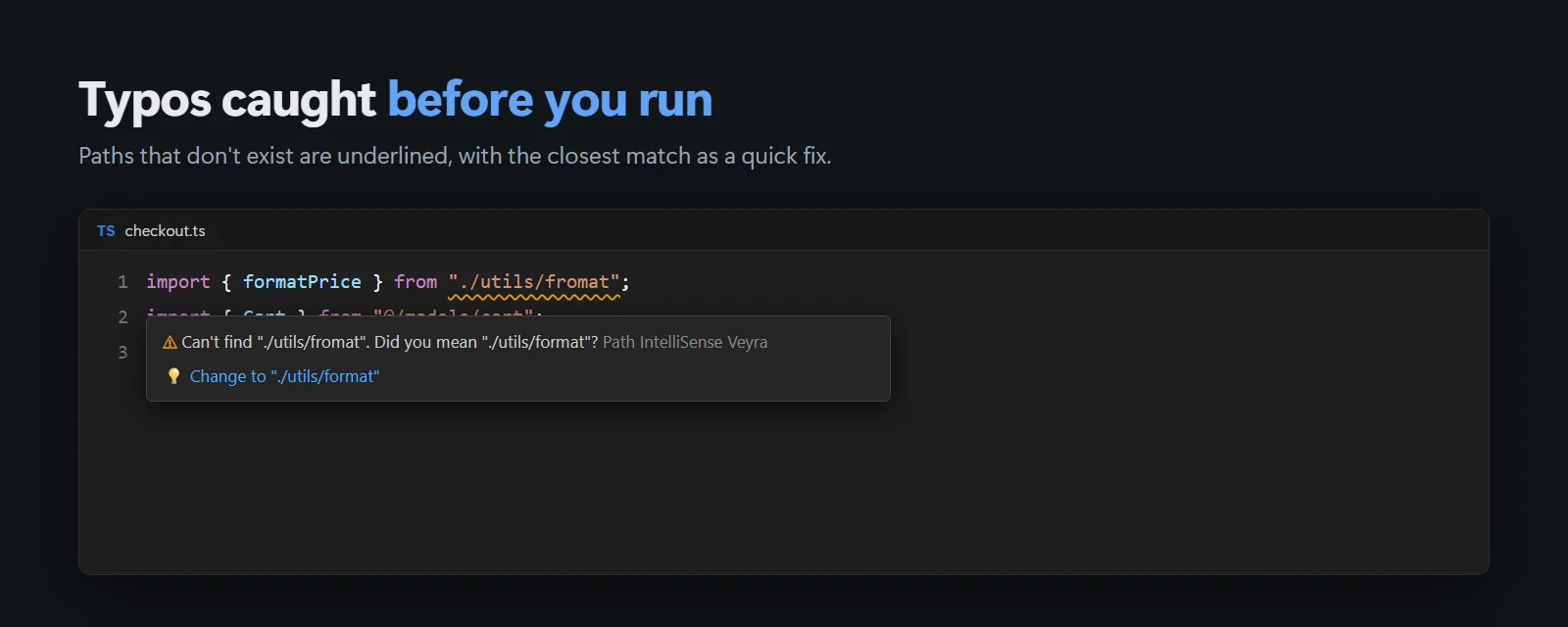
“Can’t find ./utils/fromat. Did you mean ./utils/format?” with a one-click fix, resolved the way TypeScript does.
See the image and its file size right in the suggestion list before you pick it.
Routes like href="/about", URLs, anchors, template strings and paths still being typed are never flagged.
Paths starting with / find files in public/ and static/, like Vite, Next.js and most site tools serve them.
JavaScript, TypeScript, JSX, Vue, Svelte, Astro, HTML, CSS, SCSS, Less and Markdown, in local, remote and virtual workspaces.
MIT licensed, with no account and no telemetry.
.vsix (22 KB).import x from "./ in any file. There's nothing to set up.Pairs well with Veyra npm IntelliSense, which completes package names. Coming to the Visual Studio Marketplace soon.
Yes. Path IntelliSense Veyra is free and MIT licensed, with no account and no telemetry.
No. Aliases in tsconfig.json or jsconfig.json paths (including ones inherited with extends) and in package.json imports are read by themselves. For others, add them to the veyraPath.mappings setting.
Because your tsconfig uses moduleResolution node16 or nodenext. In Node ESM, imports must name the file Node loads after compiling, which is the .js file. Bundler projects get no extension. You can choose yourself with veyraPath.importExtension.
No. In HTML and Markdown only paths to files, like ./styles/main.css, are checked. Links to pages such as /about are routes, not files, so they are left alone.
It is an independent extension, written from scratch and inspired by the classic Path Intellisense. It adds checks for broken paths, project-aware import extensions, package.json imports and image previews.
More for VS Code: Veyra npm IntelliSense, Veyra Env, Veyra Query Lens for MongoDB and Veyra API Client.
Veyra Studio is a fast, free code editor with Live Server, Python debugging and Veyra AI built in.