 Salesforce Studio
 npm IntelliSense
 Path IntelliSense
 Error Lens
 Todo Tree
 Auto Rename Tag
 Live Server
 Port Manager
 API Client
 Container Studio
 Query Lens
 MCP Studio
 Env
Env Document Viewer
 Git Graph
 Pets
PetsYour theme’s colours
Exactly what you see in the editor, from any theme, light or dark.
 VeyraSTUDIO
Your code, as a beautiful image.
Select some code, press Ctrl+Alt+S, and share it on X, LinkedIn, in docs or on slides: your theme’s colours, a gradient, a window, and the lines that matter highlighted.
flightcoders.veyra-codesnap · v1.0.0 · Free · MIT · Windows, macOS, Linux
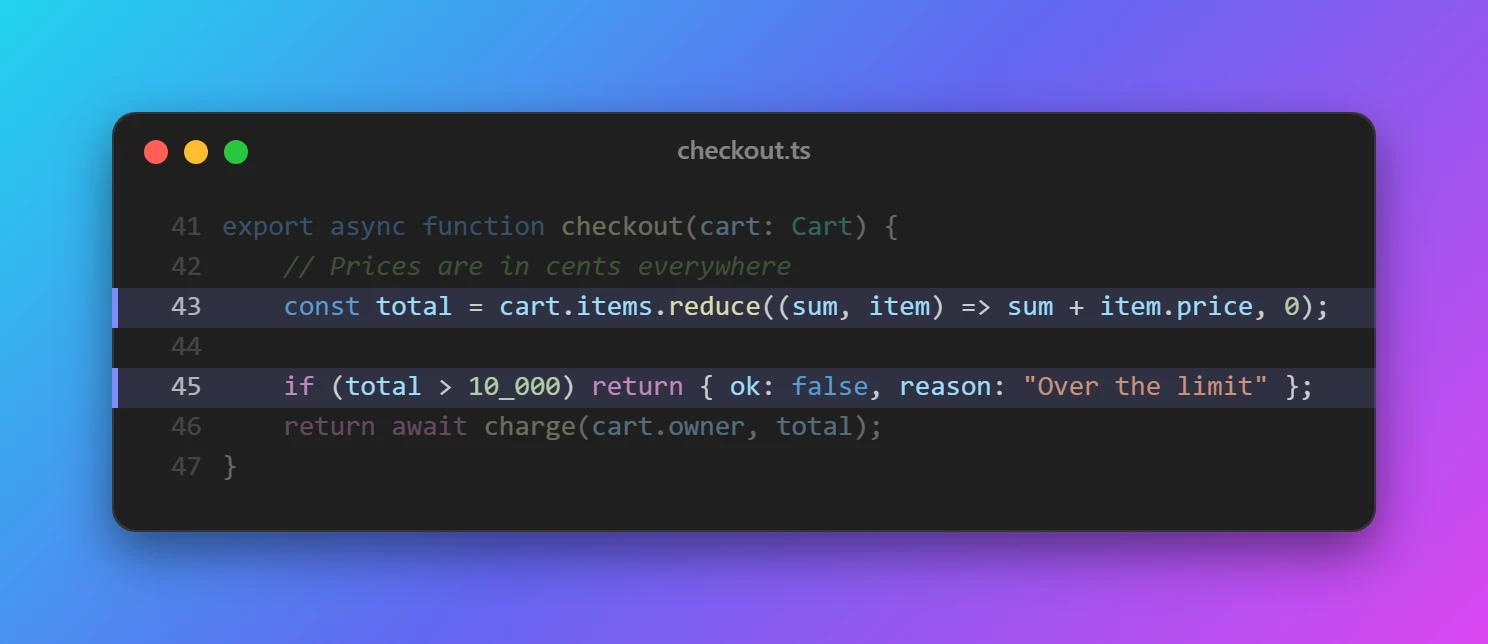
Exactly what you see in the editor, from any theme, light or dark.
Click lines in the preview to highlight them while the rest fade back.
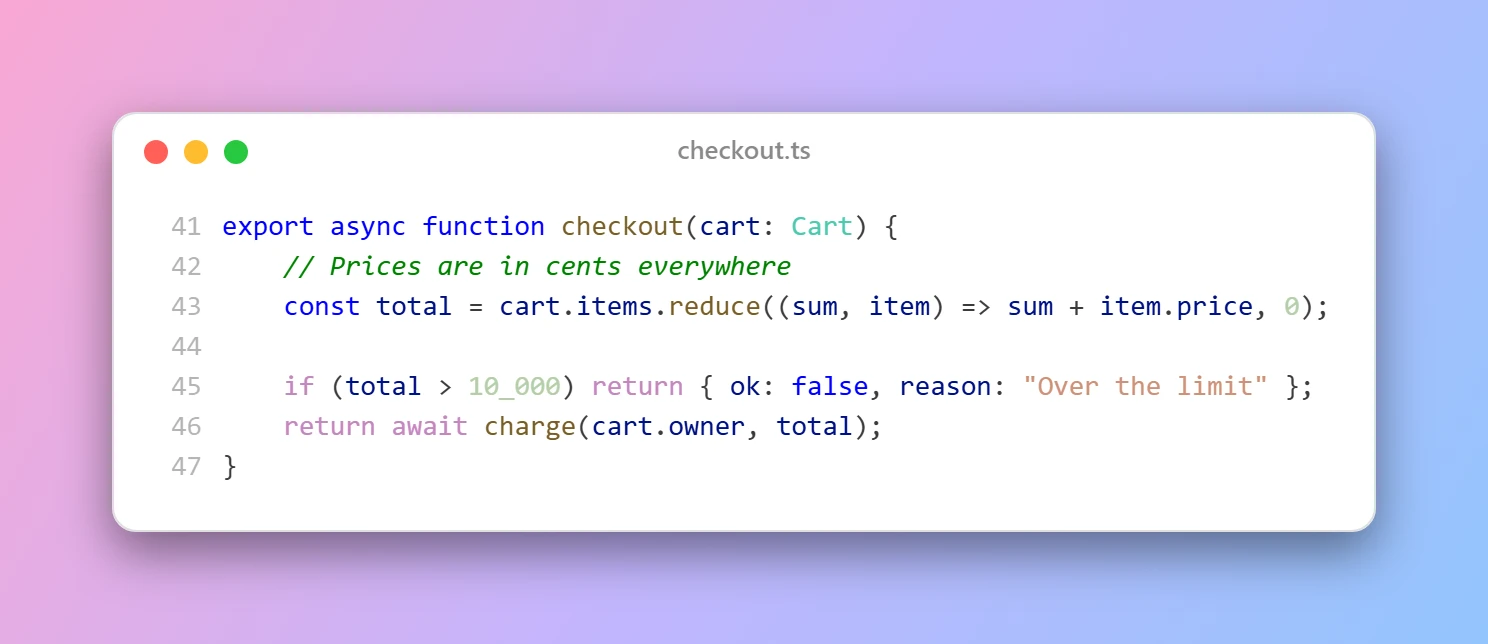
Ten hand-picked gradients, a solid colour of your choice, or transparent.
A macOS or Windows window with your file’s name, or no window at all.
Fit the code, or square, 16:9 and LinkedIn shapes with the window centred.
Change the selection and the snap follows, so you can try a few before you share.
Copy the image and paste it anywhere, or save a sharp PNG at 2× or 3×.
Shared indentation is removed, tabs line up, and line numbers start at the real line.
Everything happens on your computer, and your clipboard is put back afterwards.
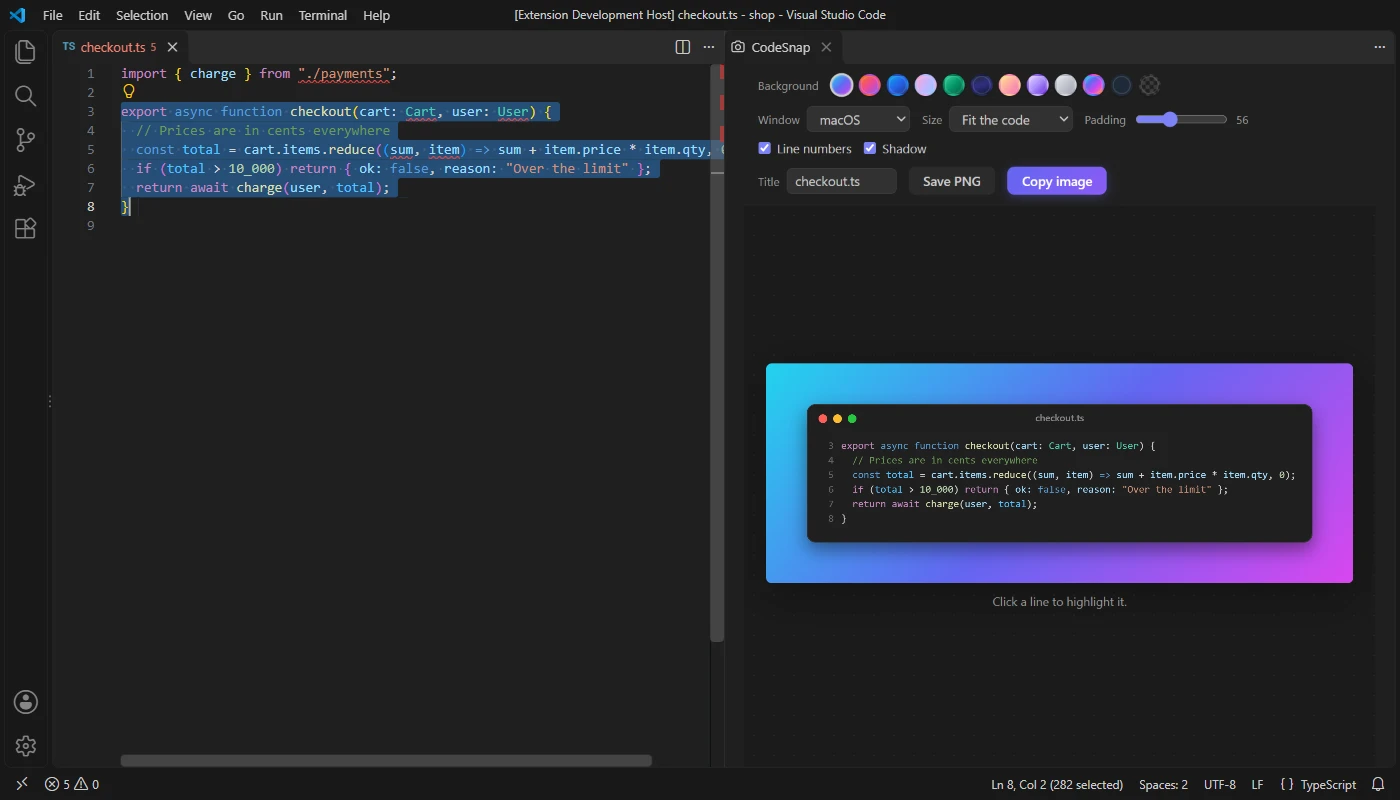
.vsix (26 KB).Click lines in the preview to highlight them before you copy. Coming to the Visual Studio Marketplace soon.
Yes. CodeSnap Veyra is free and MIT licensed, with no account and no telemetry.
Select some code and press Ctrl+Alt+S (Cmd+Alt+S on a Mac), or right-click and choose Snap Code to an Image.
Yes. It uses VS Code’s own Copy with Syntax Highlighting, so the colours are exactly those of your theme.
CodeSnap Veyra copies the selection to read its colours, then puts back the text that was on your clipboard before.
It is an independent extension, written from scratch, with highlighted lines, social media sizes, live updates and a sharp canvas-drawn image.
More for VS Code: Git Graph Veyra, Veyra Document Viewer, Veyra Env and Veyra MCP Studio. Or browse all 16 Veyra extensions.
Veyra Studio is a fast, free code editor with Live Server, Python debugging and Veyra AI built in.