 Salesforce Studio
 npm IntelliSense
 Path IntelliSense
 Error Lens
 Todo Tree
 Auto Rename Tag
 Live Server
 Port Manager
 API Client
 Container Studio
 Query Lens
 MCP Studio
 Env
Env Document Viewer
 Git Graph
 CodeSnap
Five pets, many colours
Cats, dogs, foxes, bunnies and a panda, in fourteen colours. Name them whatever you like.
 VeyraSTUDIO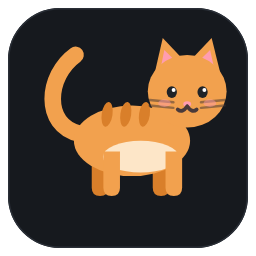
A little friend for your coding day.
A cat, dog, fox, bunny or panda lives in your editor. They play ball, take naps, and cheer you on: a hop when you save, a worried look at new errors, and a party when you fix the last one.
flightcoders.veyra-pets · v1.0.0 · Free · MIT · Windows, macOS, Linux
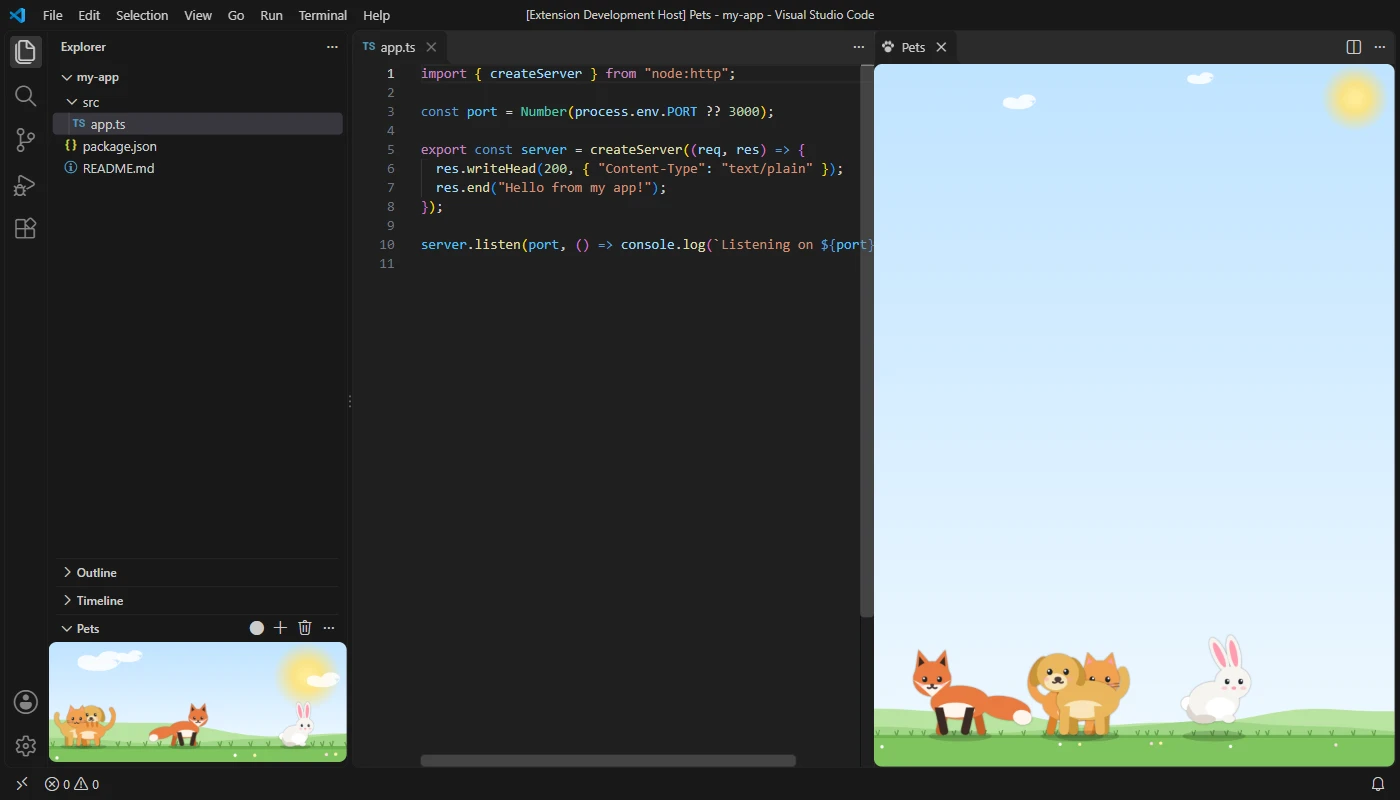
Cats, dogs, foxes, bunnies and a panda, in fourteen colours. Name them whatever you like.
Click a pet and it hops with little hearts. Hover to see its name.
Click the sky to drop a ball, or drag to throw it, and watch everyone race for it.
Every save gets a happy little jump and a sparkle.
New errors? Your pets sit down and look worried, with a little “!” above them.
Fix the last error and everyone jumps for joy in a shower of stars.
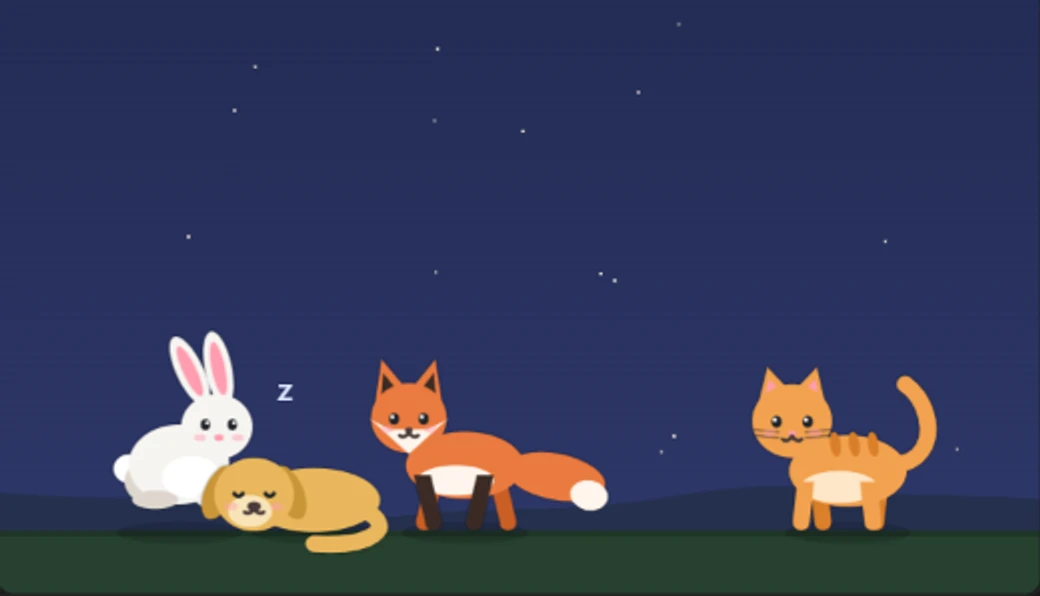
After a while without typing they curl up and sleep, and wake when you’re back.
A sunny meadow with drifting clouds, a starry night, the beach, or your theme’s own colours.
They only move while you can see them, and nothing is sent anywhere.
Add more friends with Pets Veyra: Add a Pet.
Yes. Pets Veyra is free and MIT licensed, with no account and no telemetry.
In the Pets view at the bottom of the Explorer. Open them in a bigger panel from the view’s ⋯ menu, where they grow to fit.
No. They are drawn on one small canvas, and they only move while you can see them.
Yes. Set veyraPets.reactToCode to false and they just play.
It is an independent extension. Every pet is drawn from scratch, and they react to your saves and errors.
More for VS Code: CodeSnap Veyra, Auto Rename Tag Veyra, Todo Tree Veyra and Error Lens Veyra. Or browse all 16 Veyra extensions.
Veyra Studio is a fast, free code editor with Live Server, Python debugging and Veyra AI built in.