 Salesforce Studio
 npm IntelliSense
 Path IntelliSense
 Error Lens
 Todo Tree
 Auto Rename Tag
 Live Server
 Port Manager
 API Client
 Container Studio
 Query Lens
 MCP Studio
 Env
Env Git Graph
 CodeSnap
 Pets
PetsWord, as pages
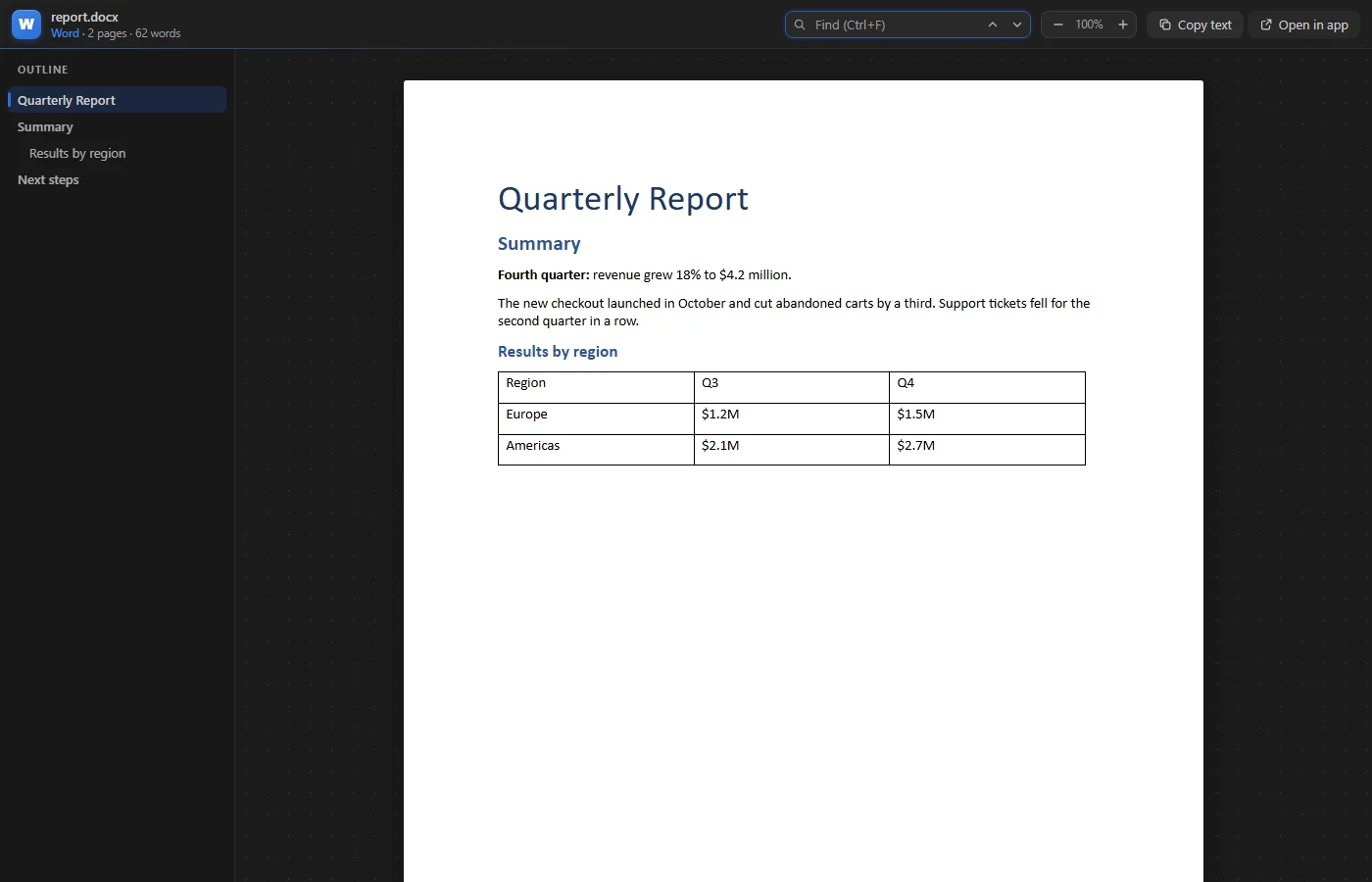
.docx shown page by page with headings, tables, images and fonts, and an outline of the headings to jump through.
 VeyraSTUDIO
Open Word, PowerPoint and Excel files right in VS Code.
Click a .docx, .pptx or .xlsx in the Explorer and see the document itself, not a binary file warning. Pages look like pages, slides look like slides, and spreadsheets keep their formats and formulas.
flightcoders.veyra-document-viewer · v1.0.0 · Free · MIT · Windows, macOS, Linux
.docx shown page by page with headings, tables, images and fonts, and an outline of the headings to jump through.
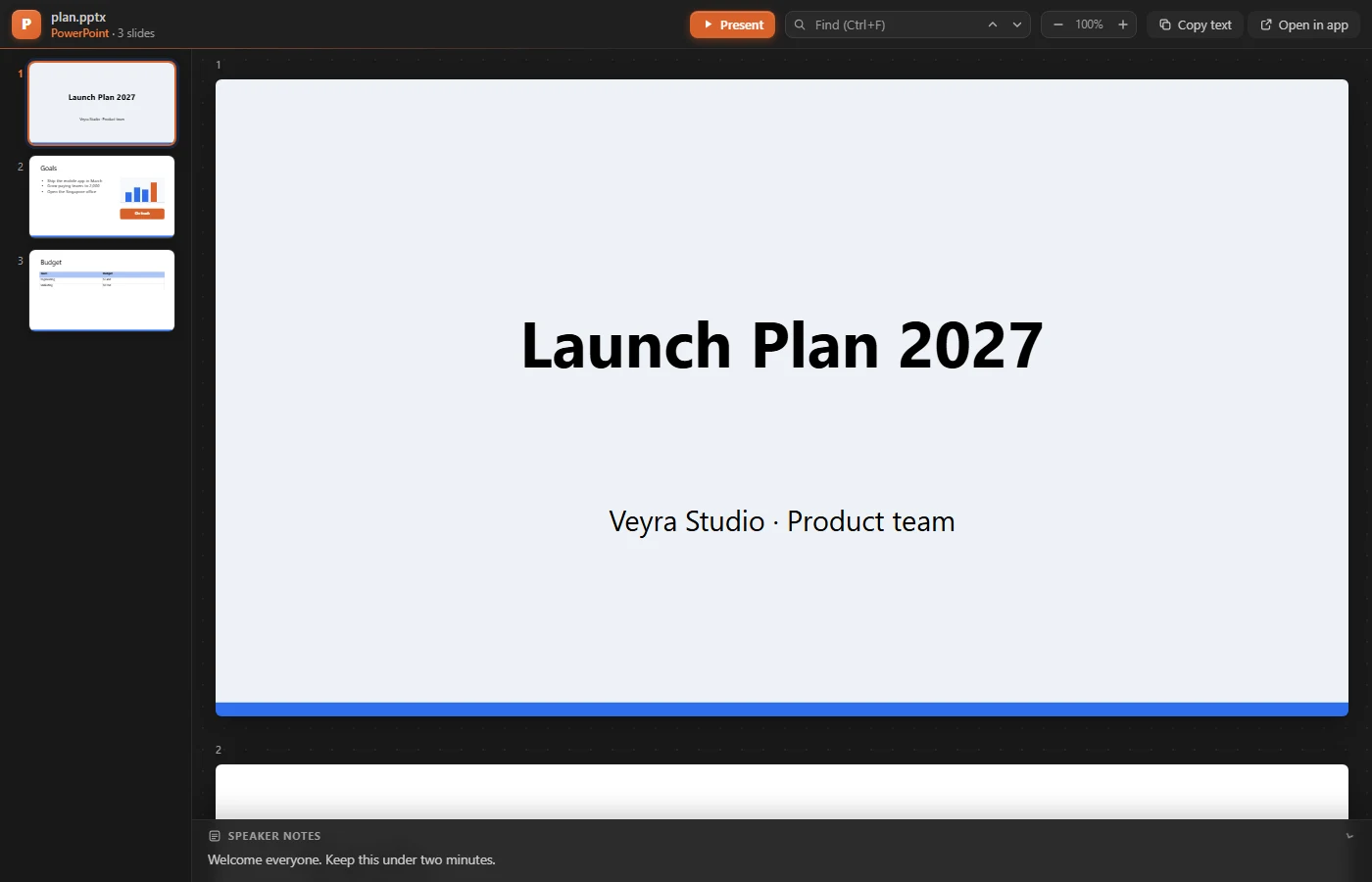
Theme colours, layouts and masters, pictures, shapes and tables, with the speaker notes for each slide.
Show the deck full screen from the slide you are on, and move through it with the arrow keys or Space.
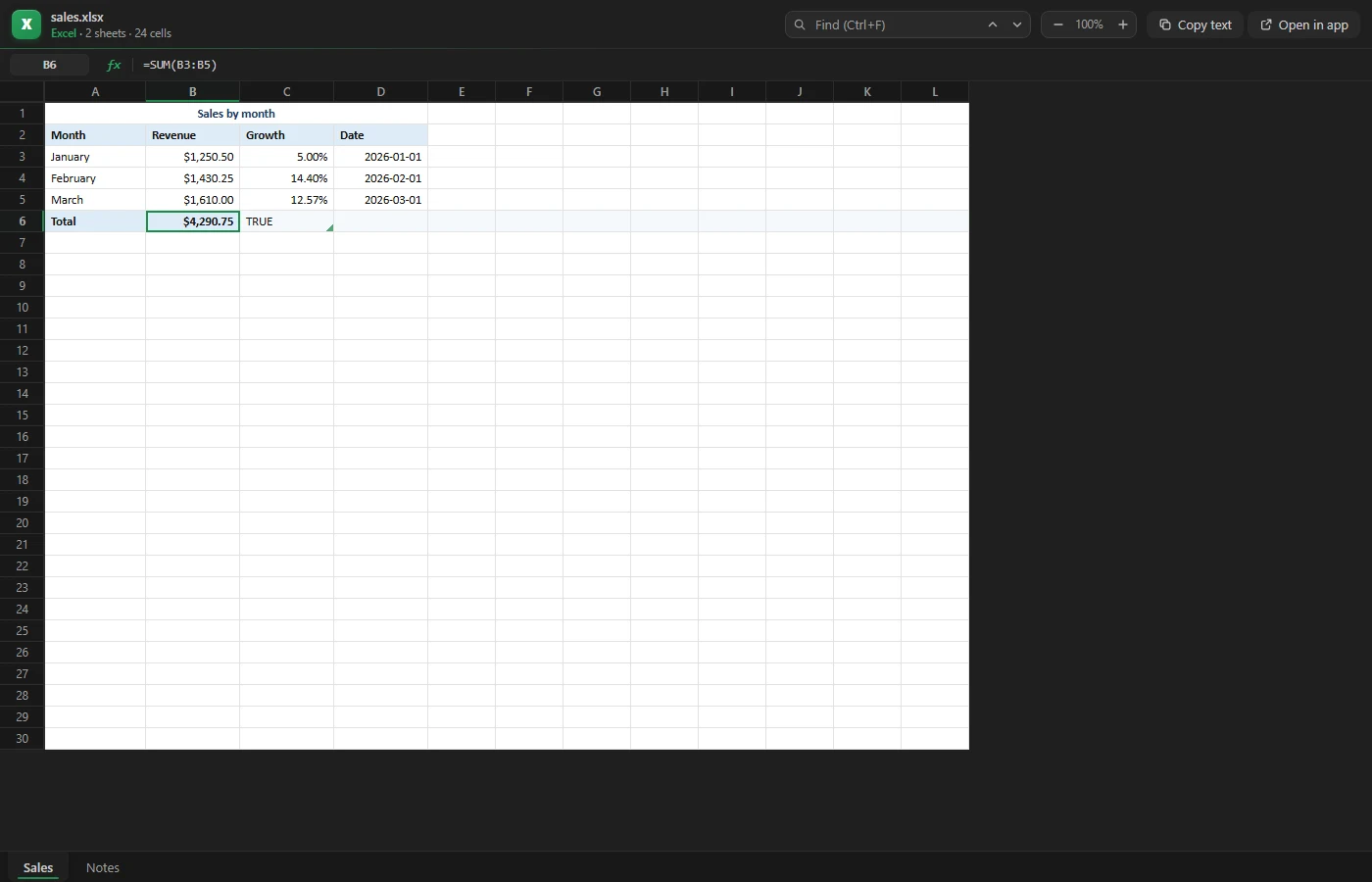
Currency, percent and date formats, merged cells, fills, sheet tabs, and each cell’s formula in the formula bar.
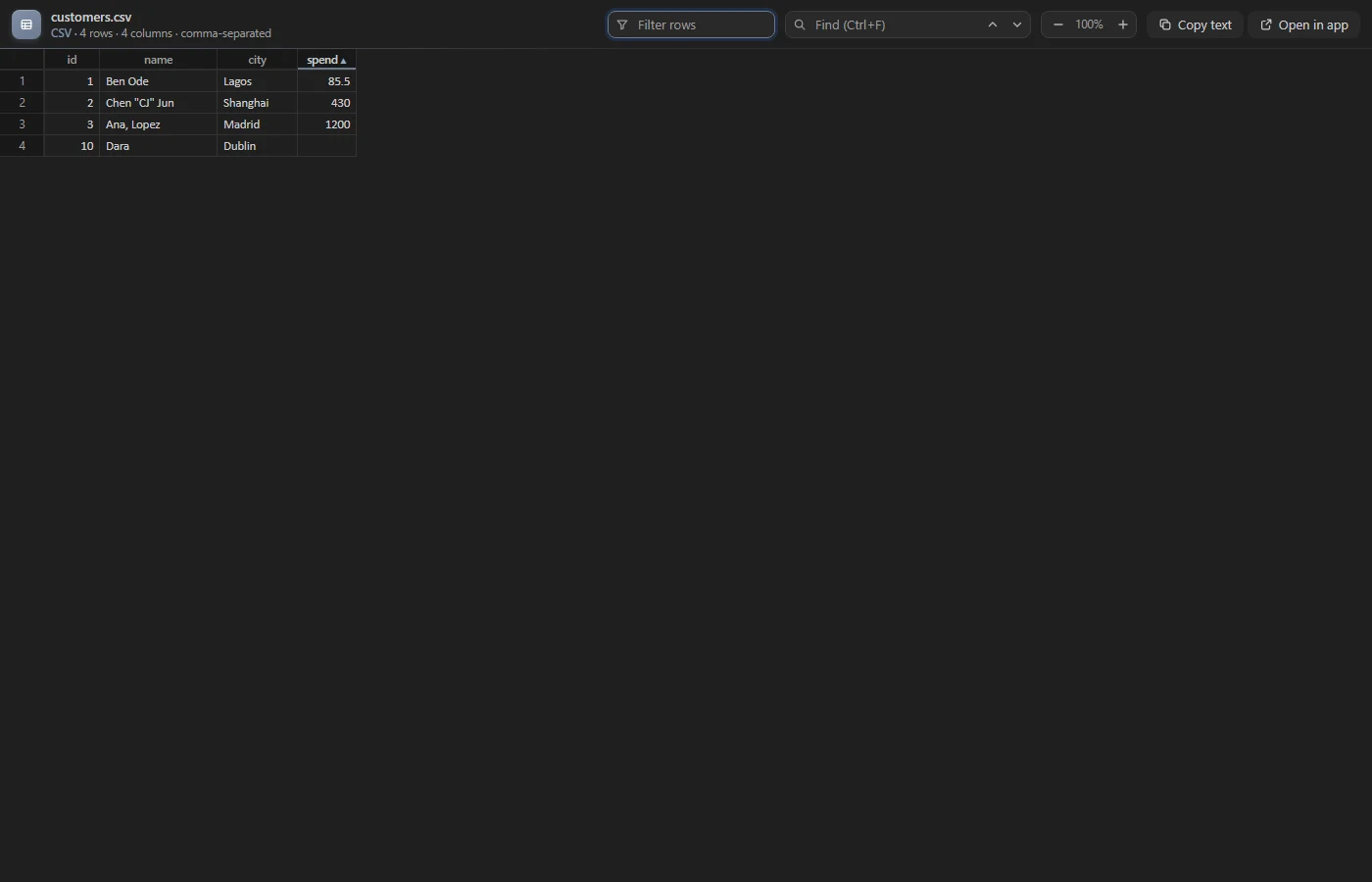
Open as Table turns CSV and TSV into a grid you can sort and filter. Quotes, commas and line breaks are read correctly.
Ctrl+F highlights every match in a document, deck or sheet. Zoom in and out without losing your place.
Copy all the text of a file in one click, ready to paste into a note, an issue or a prompt.
Need to edit? One click opens the file in Word, PowerPoint or Excel.
Everything runs inside VS Code. Files are never uploaded, and there is no account or telemetry.
To open a file as text instead, right-click it and choose Open With….
Yes. Veyra Document Viewer is free and MIT licensed, with no account and no telemetry.
No. Files are read and shown inside VS Code on your computer. Nothing is sent over the network.
It is a viewer. To change a file, click Open in app and it opens in Word, PowerPoint or Excel, or whichever app your computer uses for that file.
Those Office 97–2003 files use a closed binary format, so they open with a short explanation and an Open in default app button. Save them as .docx, .pptx or .xlsx to view them here.
So you can keep editing them. Click Open as Table in the editor title bar, or right-click the file, to see a CSV or TSV as a sortable table.
No. Cells show the result saved in the file, and the formula itself appears in the formula bar when you click the cell.
More for VS Code: CodeSnap Veyra, Git Graph Veyra, Veyra Env and Veyra MCP Studio. Or browse all 16 Veyra extensions.
Veyra Studio is a fast, free code editor with Live Server, Python debugging and Veyra AI built in.