 Salesforce Studio
 JetBrains pluginsNew
 Code Guard
 Auto Rename Tag
 Todo Tree
 Error Lens
 Path IntelliSense
 npm IntelliSense
 Query Lens
 Container Studio
 API Client
 Port Manager
 Live Server
 Rewind
 CodeSnap
 Git Graph
 Document Viewer
 Env
 MCP Studio
 Wrapped
 Pets
It grows while you code
Every minute you’re typing helps your plants grow: seed, sprout, leaves, bud and bloom. A new seed sprouts every 20 minutes.
 VeyraSTUDIO

Your coding grows a garden.
A little garden lives in your editor and grows while you work. Saving waters it, fixing your last error brings butterflies, every commit makes a flower bloom, and coding streaks unlock rare plants to collect.
flightcoders.veyra-garden · v1.0.0 · Free · MIT · Windows, macOS, Linux

Every minute you’re typing helps your plants grow: seed, sprout, leaves, bud and bloom. A new seed sprouts every 20 minutes.
Watered soil grows plants at full speed. Leave it a day and they droop, but nothing ever dies. One save and it rains.
Fix your last error and butterflies flutter in, and every plant gets a boost.
Every commit makes your most grown plant burst into flower.
Nine species to collect, from the daisy to the golden Veyra Bloom for a 30-day streak.
When the garden is full, the oldest bloom is pressed into your collection to make room.
Sunrise, clouds and bees by day; stars, fireflies and glowing mushrooms at night, following your clock.
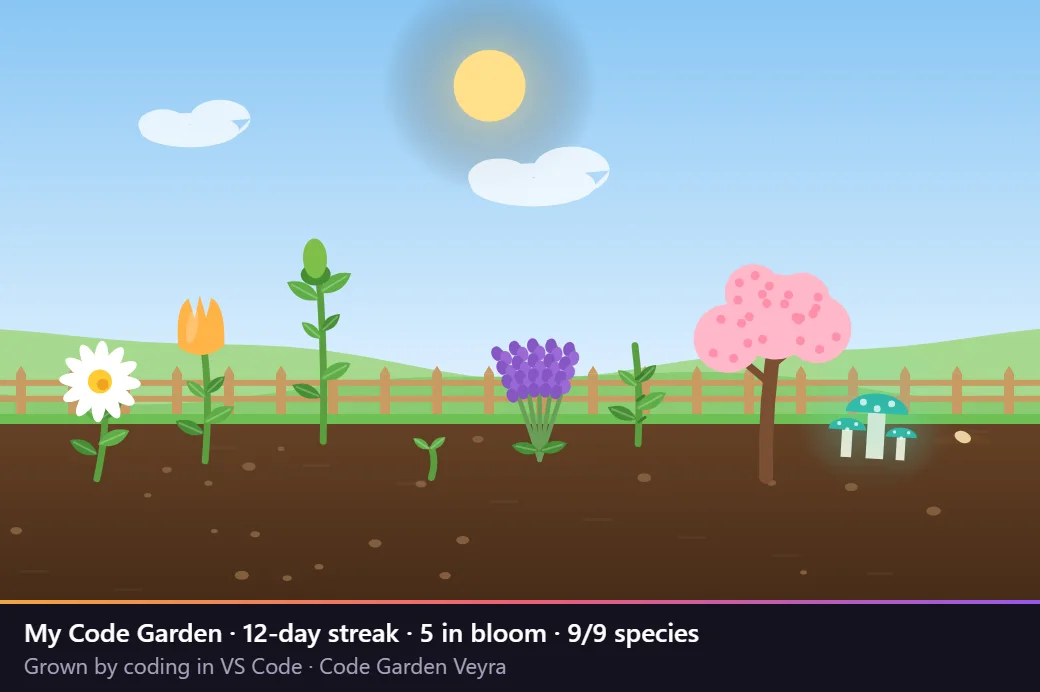
Save a picture of your garden with your streak underneath, ready for X, LinkedIn or the team chat.
It never reads your code and never connects to the internet. About 60 KB, and it syncs with Settings Sync.

Your first flower
Code on 2 days in a row
Code for 3 hours in total
Save 100 times
Fix 10 errors
Code for an hour after 10 pm
Make 15 commits
Code on 7 days in a row
A 30-day streak, or 40 pressed flowers
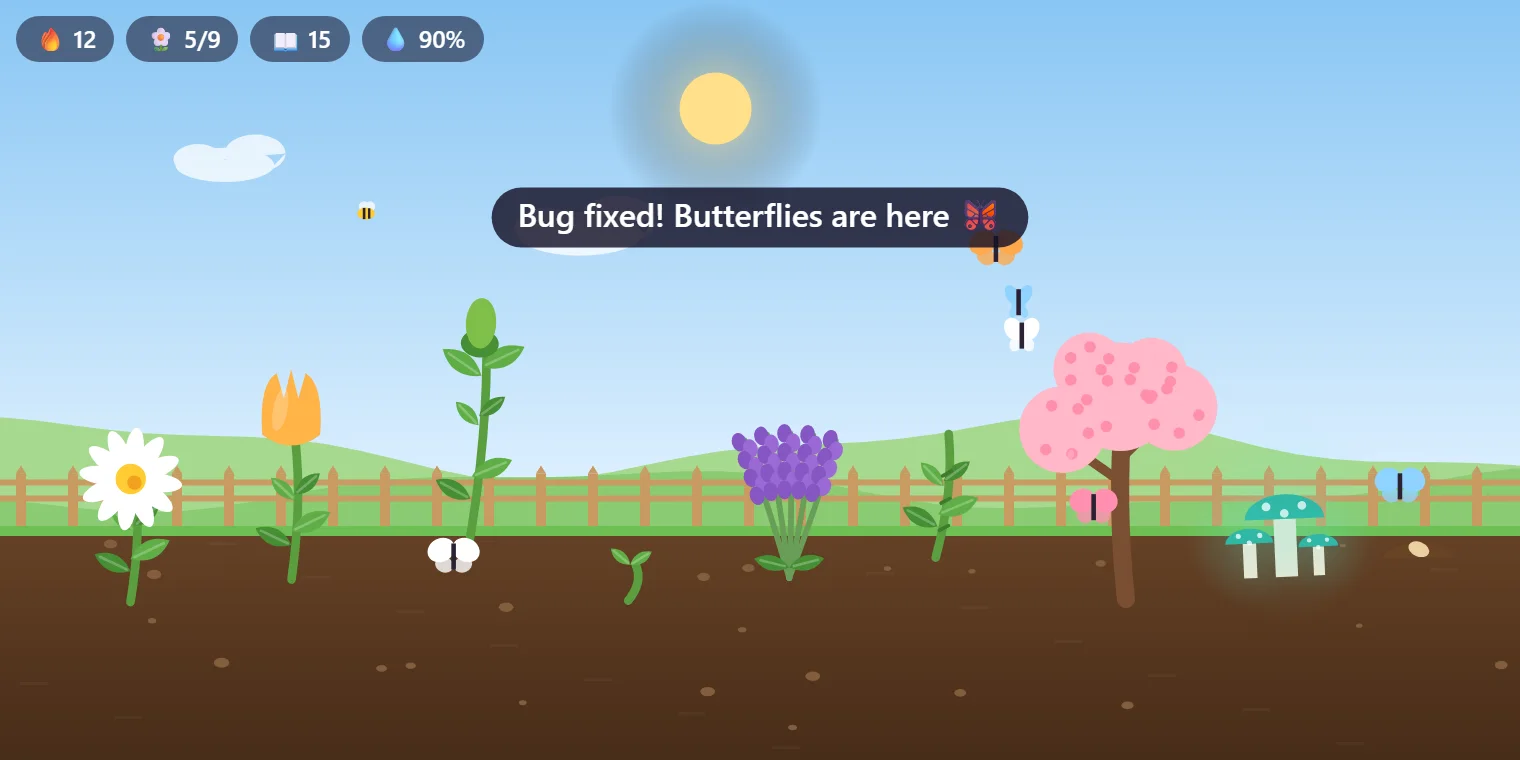
Share your garden with Code Garden: Save a Snapshot to Share….
Yes. Code Garden is free and MIT licensed, with no account and no telemetry.
A minute in which you typed in a file while VS Code was focused. Reading, idle time and typing in the terminal don’t count.
No. A dry garden droops and grows at half speed, and the next save waters it again. A garden you forget for a month is still there when you come back.
No. It only counts minutes, saves, the moment your errors reach zero, and commits from VS Code’s built-in Git. Nothing is sent anywhere.
In the Code Garden view at the bottom of the Explorer, with your streak in the status bar. You can also open it in a bigger panel.
Yes, it’s a regular VS Code extension: install the .vsix with “Extensions: Install from VSIX…”.
More for VS Code: Veyra Wrapped, Pets Veyra, Veyra Rewind and Veyra Code Guard. Or browse all 20 Veyra extensions.
Veyra Studio is a fast, free code editor with Live Server, Python debugging and Search Everywhere built in.