 Salesforce Studio
 JetBrains pluginsNew
 Code Guard
 Auto Rename Tag
 Todo Tree
 Error Lens
 Path IntelliSense
 npm IntelliSense
 Query Lens
 Container Studio
 API Client
 Port Manager
 Live Server
 CodeSnap
 Git Graph
 Document Viewer
 Env
 MCP Studio
 Code Garden
 Wrapped
 Pets
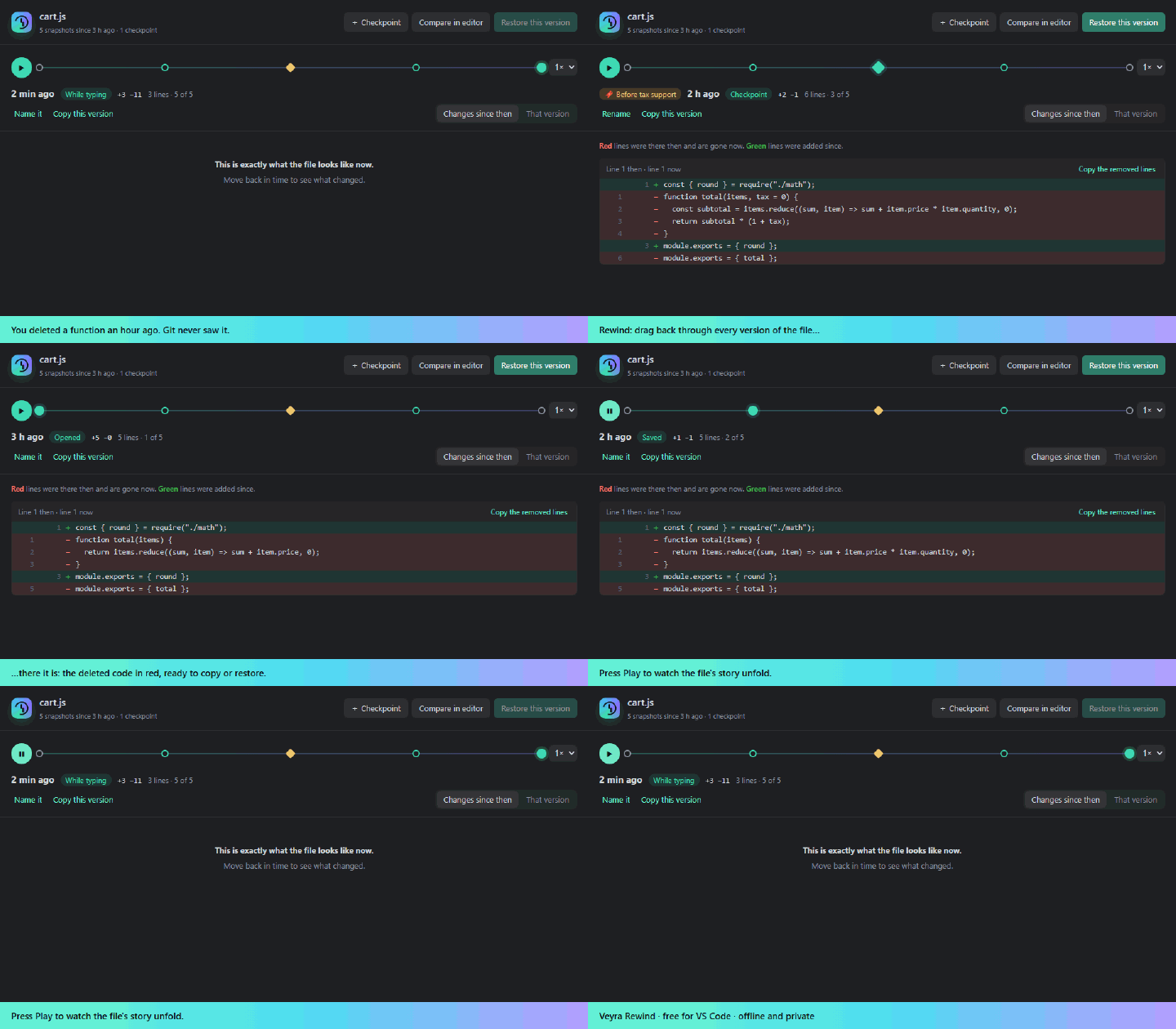
Scrub through time
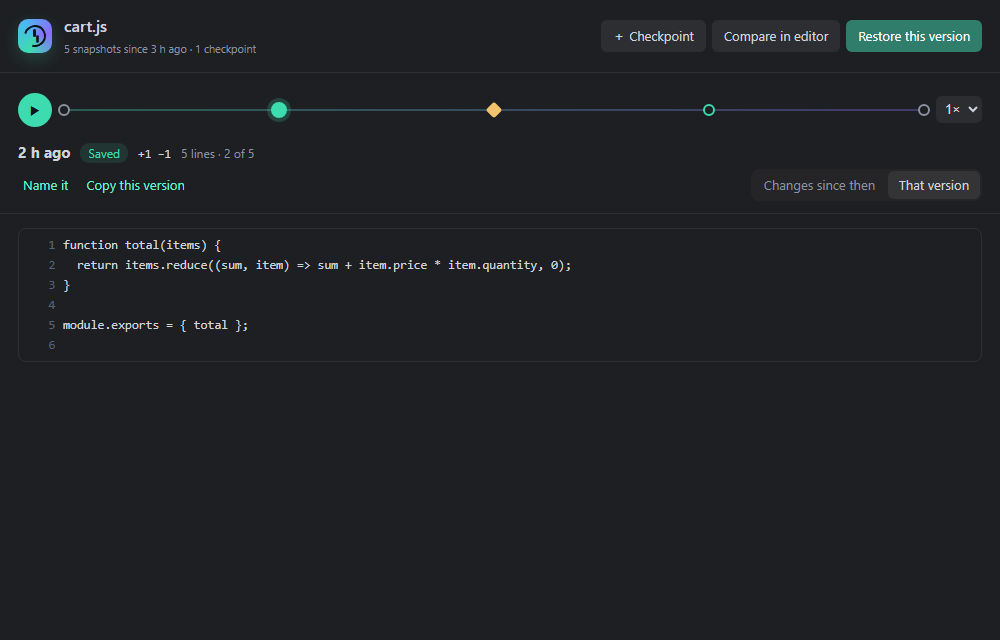
Every save, every pause in typing and every checkpoint on one timeline. Drag the slider or use the arrow keys.
 VeyraSTUDIO

Time travel for your code.
Every version of every file, without a single commit. Scrub a timeline to see any file at any moment, play back how it evolved, and bring back the code or the file you deleted.
flightcoders.veyra-rewind · v1.0.0 · Free · MIT · Windows, macOS, Linux
Every save, every pause in typing and every checkpoint on one timeline. Drag the slider or use the arrow keys.
Watch a file evolve step by step, at 1× to 8×. Perfect for “when did this break?”
Search for text that was in any file but isn’t any more, across your whole history.
Put back a whole version as one edit (Ctrl+Z undoes it), or revert a single block in the diff editor.
Deleted a file, even outside VS Code? Restore it from the last version Rewind saw.
Name a moment, like “before the refactor”. Checkpoints are kept forever.
Snapshots are compressed and never stored twice, and history thins out as it ages. The extension itself is 68 KB.
History stays on your computer. No account, no network access, no telemetry.
Install it and keep coding. Dependencies, build output and lock files are skipped automatically.
Lost something? Run Rewind: Find Deleted Code… and type what you remember.
Yes. Veyra Rewind is free and MIT licensed, with no account and no telemetry.
Git keeps the versions you commit. Rewind keeps everything in between: the experiment you abandoned, the function you deleted before lunch, the file you never added. Use both.
Undo is lost when you close a file or restart VS Code, and you can only step back one change at a time. Rewind keeps history across restarts and lets you jump straight to any moment.
Very little. Snapshots are compressed, identical content is stored once, and older history is thinned out: everything from today, one per 10 minutes for a week, one per hour up to 30 days. Run “Rewind: Show History Storage” to see the total.
Never. History is kept in VS Code’s private storage for the extension on your computer, and Rewind makes no network requests.
More for VS Code: CodeSnap Veyra, Git Graph Veyra, Veyra Document Viewer and Veyra Env. Or browse all 20 Veyra extensions.
Veyra Studio is a fast, free code editor with Live Server, Python debugging and Search Everywhere built in.